
Breath In is a timer for following a chosen inhale, hold and exhale sequence. Pick a pattern, start the visual guide, pause when needed and finish the session yourself. History shows saved practice records; Settings controls sound, screen-on behavior and appearance.
Choose a pattern and start a session
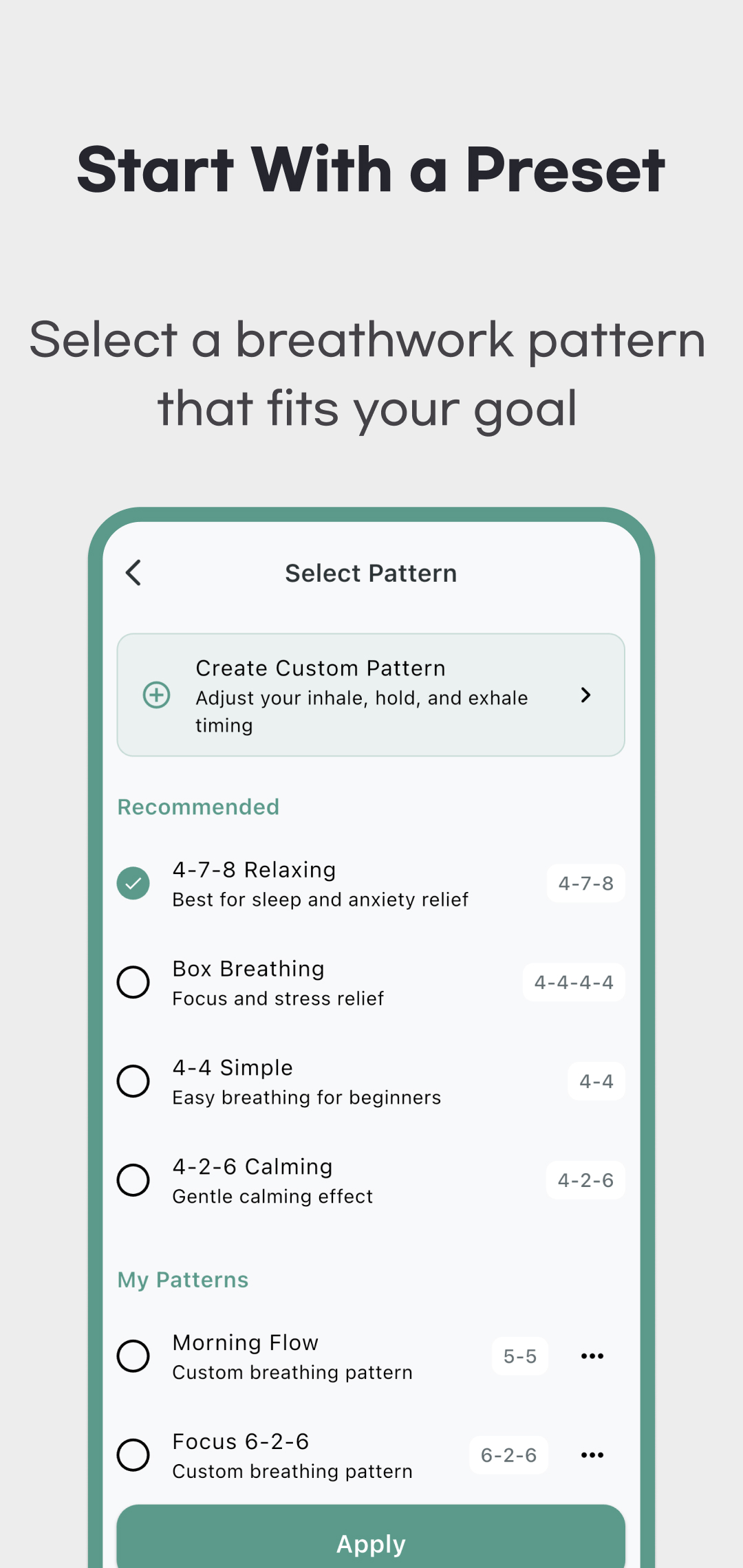
- In Timer, tap the current pattern name to open Select Pattern.
- Choose a preset or one of your saved custom patterns, then tap Apply. Selecting a row alone does not apply it.
- Check the pattern shown on Timer and tap Start. A 3–2–1 preparation countdown runs before session timing begins; Cancel stops that countdown.
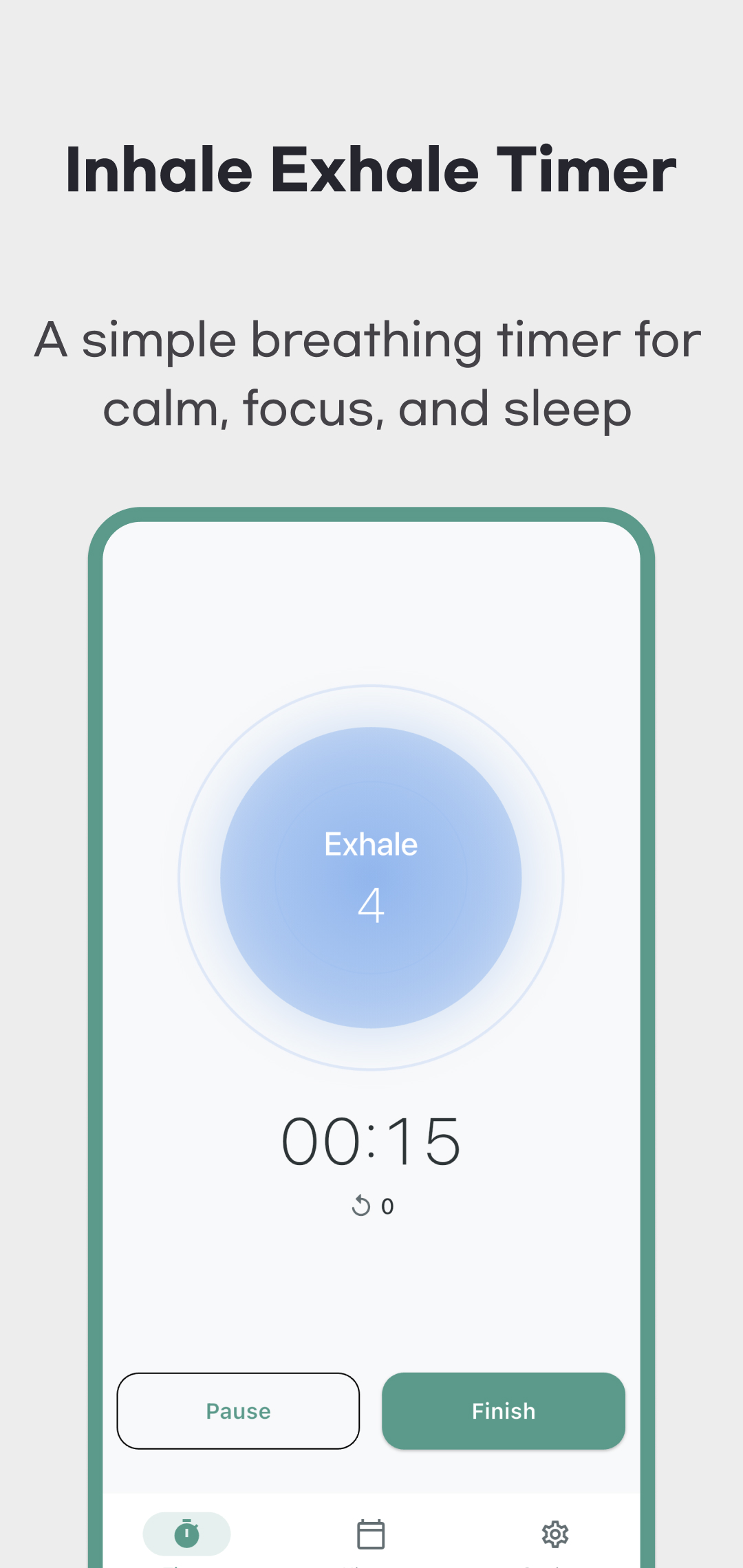
- Follow the phase label and remaining seconds. The circle expands for Inhale, contracts for Exhale and stays at its current size during a hold. The larger timer below shows elapsed session time, not time remaining until an automatic finish.
- Use Pause and Resume for a break. Tap Finish while running, or Stop while paused, to end the session. The timer does not stop automatically after a chosen number of minutes.
The timer tracks the running session's elapsed time and completed cycles. A pause is excluded from running time after resuming. Sound provides a phase cue when enabled, but it does not measure your breathing or confirm that you followed the sequence.
Read all four phases
The table shows seconds per phase in the reviewed app. A zero hold is skipped. These are preset timings, not a recommendation to force a particular pace or hold your breath for longer than is comfortable.
| Preset | Inhale | Hold after inhale | Exhale | Hold after exhale | One cycle |
|---|---|---|---|---|---|
| 4-7-8 Relaxing | 4 | 7 | 8 | 0 | 19 seconds |
| Box Breathing | 4 | 4 | 4 | 4 | 16 seconds |
| 4-4 Simple | 4 | 0 | 4 | 0 | 8 seconds |
| 4-2-6 Calming | 4 | 2 | 6 | 0 | 12 seconds |
Names such as “Relaxing” and “Calming,” and the descriptions inside the app, are product labels. They do not establish that a pattern treats anxiety, insomnia or another condition.
Create, edit or delete a custom pattern
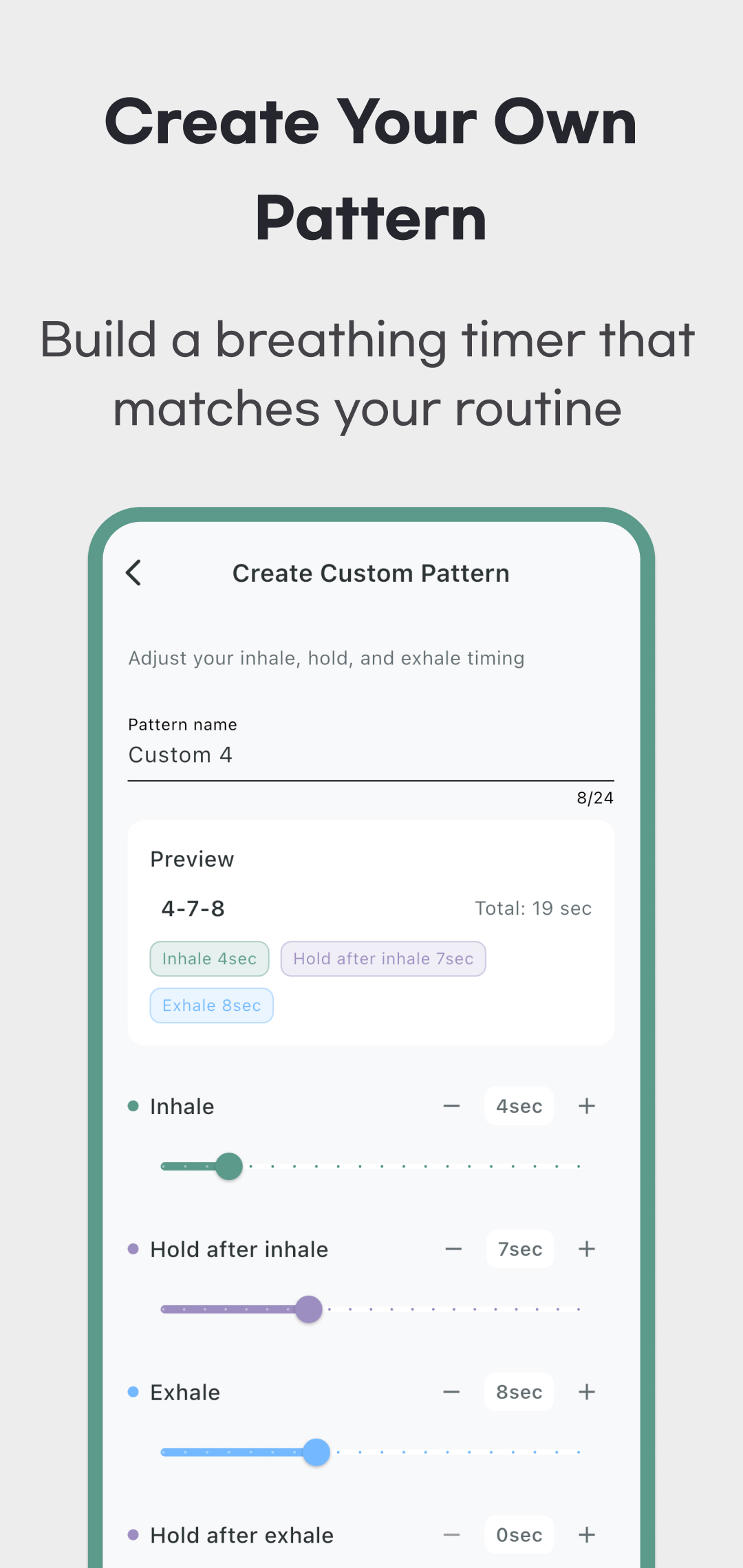
Open Create Custom Pattern from the pattern library. Enter a nonblank name of up to 24 characters, then use the sliders or plus/minus buttons to set:
- Inhale and Exhale: 1–20 seconds each.
- Hold after Inhale and Hold after Exhale: 0–20 seconds each.
Check the preview and cycle total, then tap Save & Use. For example, 3 / 0 / 5 / 0 is an 8-second cycle without holds. The compact pattern label omits zero holds, so inspect the four controls when checking a saved pattern.
Use the custom pattern's … menu for Edit or Delete. Editing ends with Update; deletion asks for confirmation. Deleting the selected custom pattern returns selection to the default 4-7-8 pattern, so check Timer's pattern name before starting again. Creating or applying a pattern may show an advertisement when one is ready.
Check what was saved in History
A session is saved when you end it through Finish or Stop after at least 60 seconds of timed practice. Shorter sessions and a canceled preparation countdown are not saved. Reaching one minute alone does not finish or save the active session; end it and check the completion dialog and History.
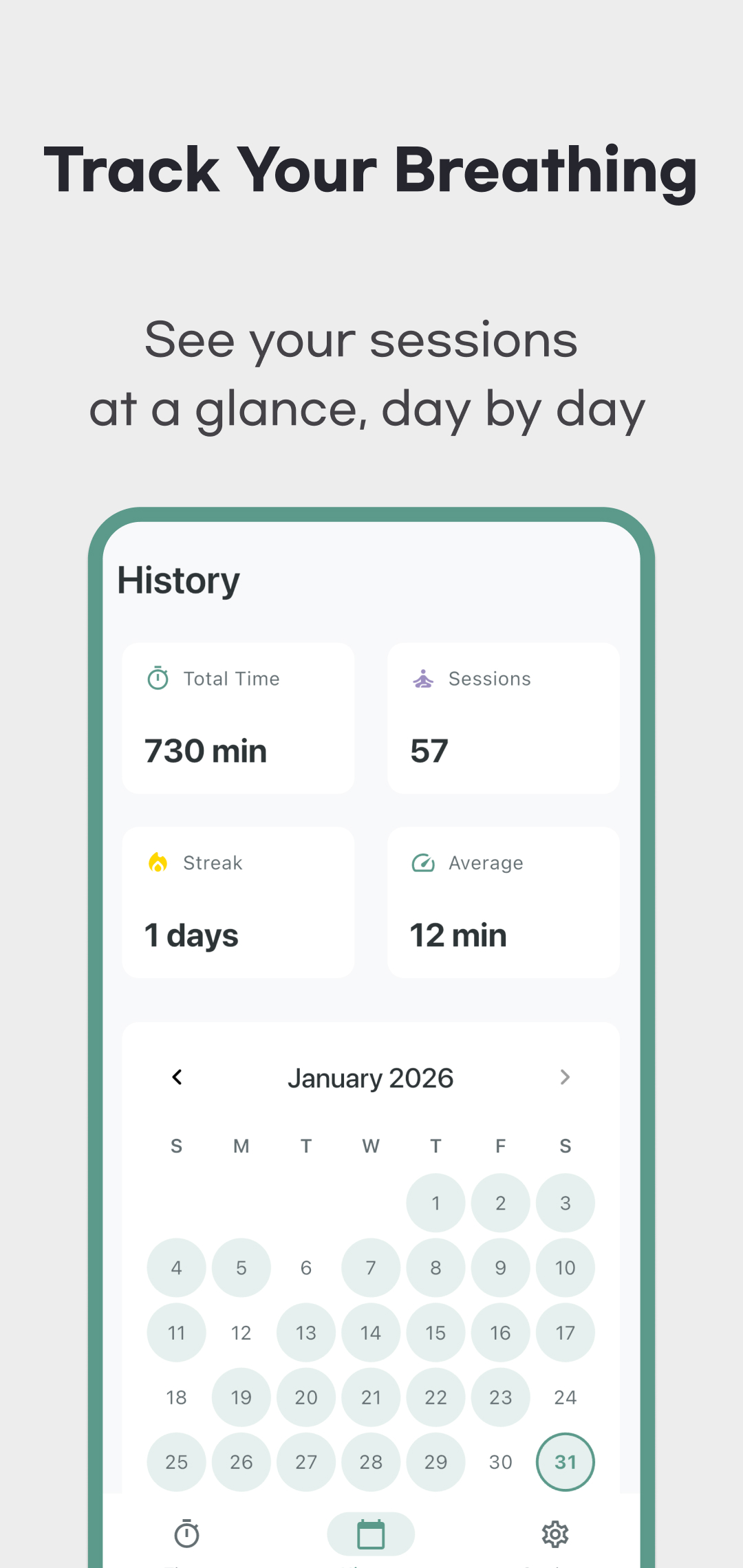
History includes total time, saved session count, a current streak, average session duration and a calendar. Select a date to inspect its recorded sessions. Records belong to the date the session started, including a session that ends after midnight.
For durations of at least one minute, History displays whole minutes and drops the remaining seconds. Two saved sessions of 1 minute 59 seconds contain 3 minutes 58 seconds in total: the overall time card displays 3 min, the average card displays 1 min, and each session is listed as 1 min. The calendar marks dates with saved practice; tap a date to see its sessions and that day's total. These are recorded timer durations, not measurements of attention, sleep quality or health improvement.
There is no individual session edit/delete control or in-app record export/import workflow in the reviewed version. Keep an independent copy of records you need long term.
Sound, screen and local data
In Settings, use Sound to enable or disable phase cues, Keep Screen On to request that the display stays awake during an active or paused session, and Dark Mode for appearance. The screen-on setting is not a guarantee about every device's background or battery behavior.
Saved sessions, custom patterns and preferences are stored locally. There is no account-based synchronization or app backup/restore control in the reviewed version. Confirm that important records remain after reopening, and keep a separate copy before uninstalling or moving to another device. The app includes advertising and consent handling, so local records do not mean the entire app is ad-free or always works offline.
Practice within a comfortable range
Do not force your breathing to match the timer; pause or stop if the selected pace feels uncomfortable. The NHS breathing guide emphasizes gentle breathing without forcing it. NCCIH's evidence review describes limits in the research, including sleep outcomes. Neither source validates Breath In as a treatment. Persistent or severe symptoms need professional care, rather than relying on this timer.
Use the download links above for the current Google Play listing or App Store listing. For a question about missing records or timing, send the pattern, approximate session duration, platform and app version to support. See the privacy policy for data handling.