
Circle Skirt Sewing Calculator helps you work out a waist-opening radius and the distance from the pattern center to the hem. Enter your measurements, choose a circle fraction, then tap Calculate to view numerical results and a pattern diagram. The steps below explain the app’s controls and how to read its fabric estimate.
Start with your measurements
- Choose Centimeters or Inches before entering measurements. Changing this choice keeps the existing numbers; it does not convert them. If you change units later, re-enter your waist, length and allowances in the new unit, then calculate again.
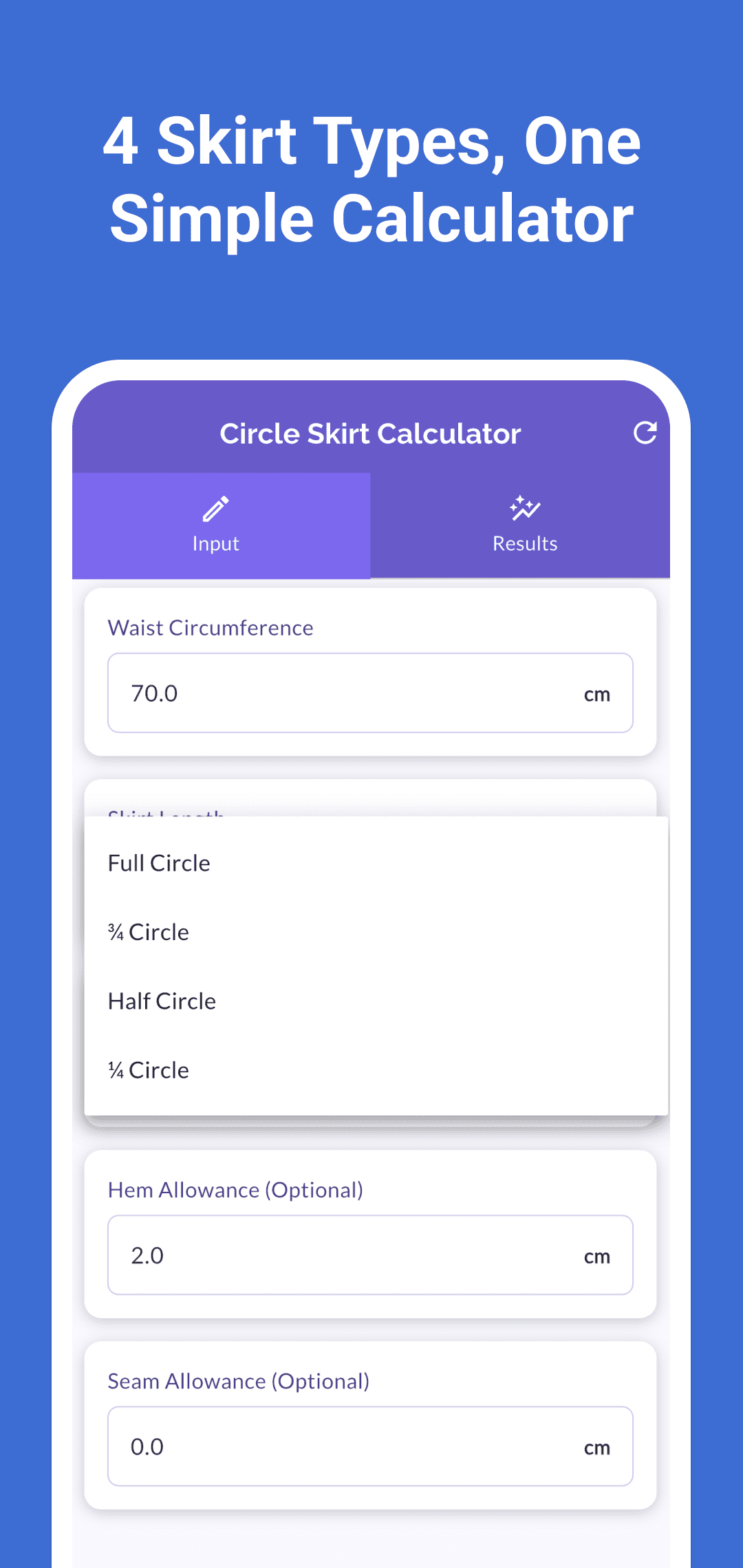
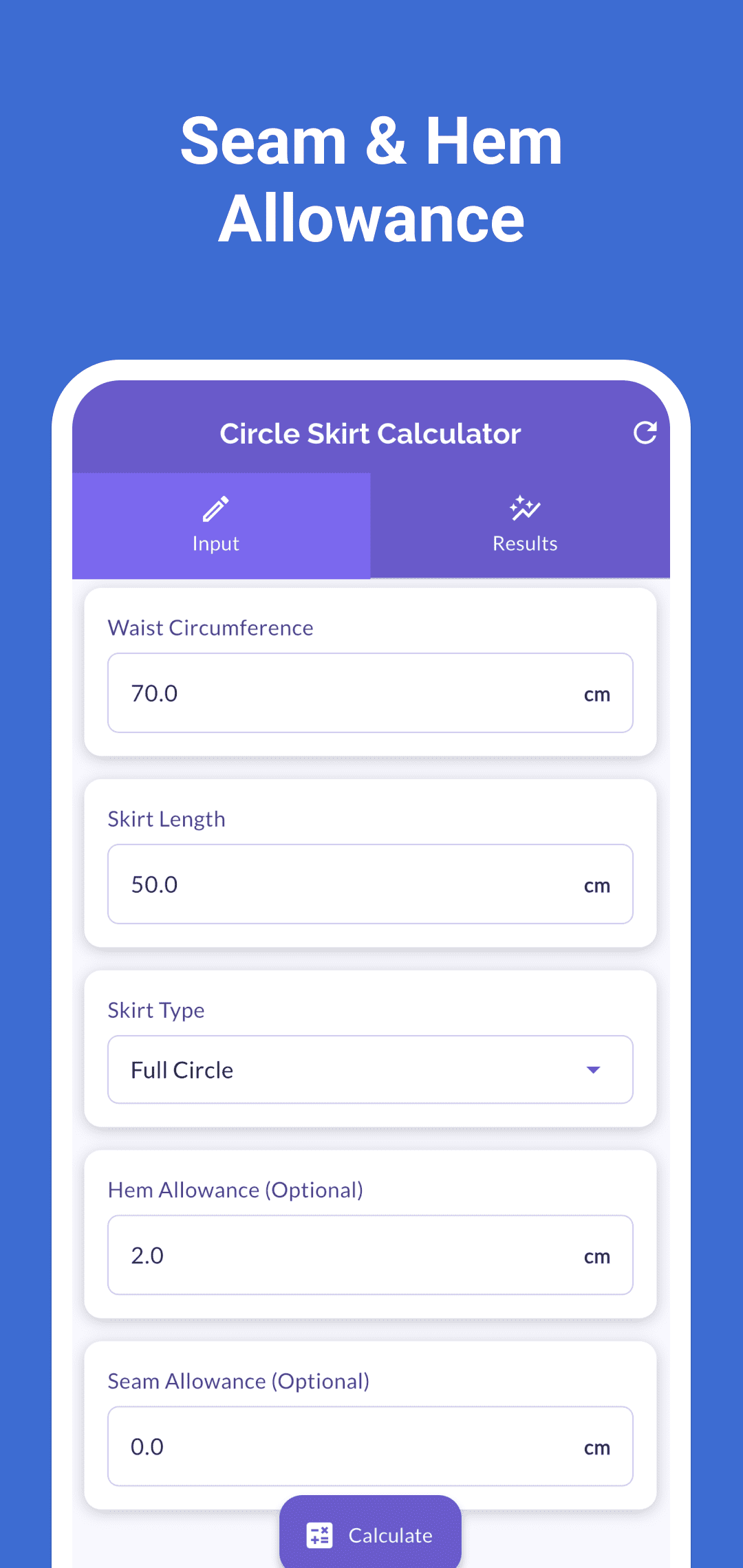
- Enter Waist Circumference and Skirt Length. Waist Circumference is the complete measurement around the waist opening; Skirt Length is the waist-to-hem length. The starting values are 70 cm and 50 cm.
- Select Full Circle, ¾ Circle, Half Circle or ¼ Circle under Skirt Type. The selected fraction changes the waist radius. These are the four choices in the interface checked for this guide.
- Enter Hem Allowance and Seam Allowance in the same unit. Hem Allowance starts at 2 cm and Seam Allowance at 0 cm. Clearing an optional allowance sets it to zero. Use positive waist and length measurements and keep seam allowance smaller than the calculated waist radius.
- Tap Calculate to open Results. After changing measurements, units or skirt type, tap Calculate again before using the results. Editing inputs alone does not refresh the previous calculation.
Read the radius, length and diameter separately
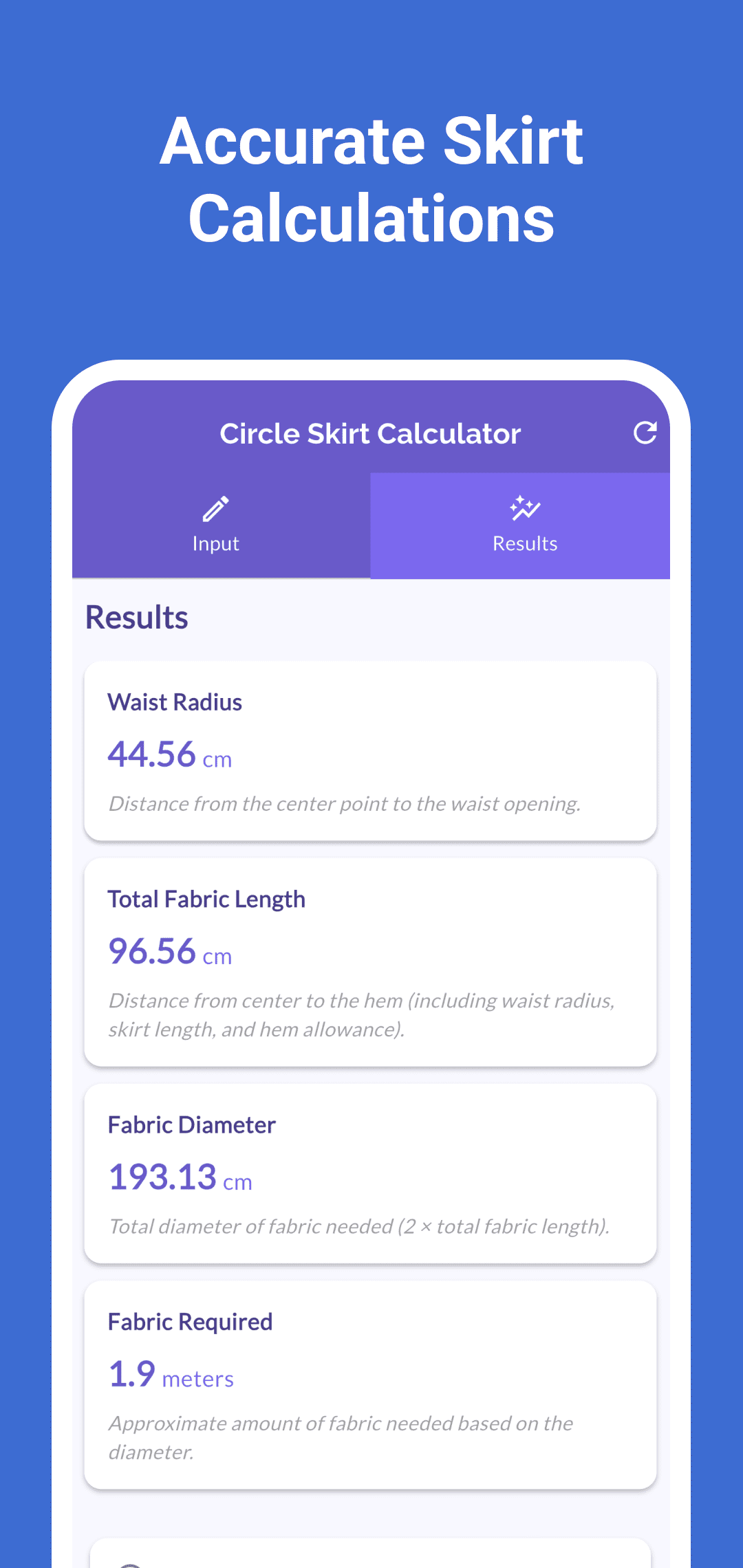
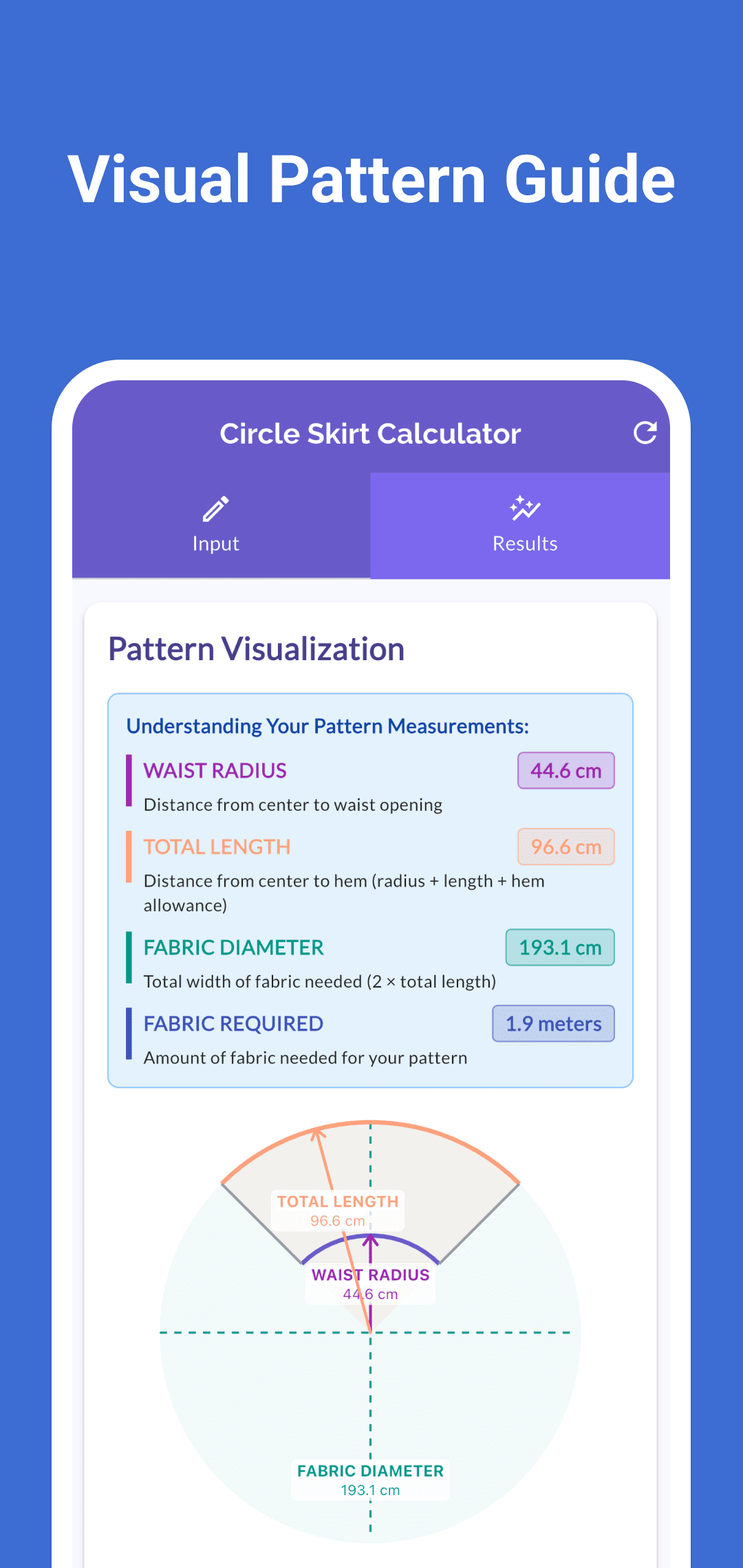
The app uses waist radius = waist circumference ÷ (2 × π × circle fraction). A smaller circle fraction produces a larger waist radius for the same circumference. Total Fabric Length is the distance from the center to the outer hem: waist radius + skirt length + hem allowance. It includes the waist radius, so it is longer than the Skirt Length you entered. Fabric Diameter is twice that total length.
For a 70 cm waist, 50 cm skirt length, 2 cm hem allowance and zero seam allowance, the standard results are:
| Skirt Type | Waist Radius | Total Fabric Length | Fabric Diameter | Fabric Required |
|---|---|---|---|---|
| Full Circle | 11.14 cm | 63.14 cm | 126.28 cm | 1.3 meters |
| ¾ Circle | 14.85 cm | 66.85 cm | 133.71 cm | 1.3 meters |
| Half Circle | 22.28 cm | 74.28 cm | 148.56 cm | 1.5 meters |
| ¼ Circle | 44.56 cm | 96.56 cm | 193.13 cm | 1.9 meters |
The result cards show dimensions to two decimal places. The diagram’s measurement labels use one decimal place, so a radius displayed as 44.56 cm on a card appears as 44.6 cm in the diagram. Keep the result-card values when noting your measurements rather than measuring the picture on your screen.
Use Adjusted Results when you enter seam allowance
When a calculated Seam Allowance is greater than zero, Results includes an Adjusted Results switch. Turning it on subtracts that allowance from the waist radius and uses the smaller radius for the displayed total length, diameter and diagram. Hem Allowance remains part of the outer length.
For the Full Circle example above with 1 cm seam allowance, the adjusted radius is 10.14 cm, total length 62.14 cm and diameter 124.28 cm. Turning the switch off returns to the standard dimensions. This control applies the app’s radius subtraction; it does not add allowances separately to each panel edge or plan a waistband or fastening.
The Fabric Required estimate still uses the standard, unadjusted diameter even when Adjusted Results is on. In this example it remains 1.3 meters. Read the adjusted dimension cards separately from that estimate.
Treat Fabric Required as a diameter-based estimate
In Centimeters mode, Fabric Required divides the standard diameter by 100 to display meters. In Inches mode, it divides by 36 to display yards. The estimate is rounded to one decimal place.
The app has no fabric-width input or cutting-layout optimizer. The estimate does not account for usable fabric width, panel placement, grain direction, print matching, shrinkage, a waistband or fastening pieces. Compare the calculated dimensions with your actual fabric and planned layout before deciding how much to buy. The rounded estimate alone is not a fabric shopping list or a guarantee of fit or reduced waste.
The Pattern Visualization helps relate the inner waist curve, outer hem and overall diameter. It scales to the screen and is not a full-size printable cutting pattern. There is no PDF pattern, image export or print control in the interface checked for this guide.
Keep your project measurements
Calculate stores the current inputs and selected settings locally for later use. The app does not provide a named project list or calculation history. Recheck the displayed inputs and tap Calculate when you return; a restored set of settings is not a new calculated result. Reset restores the starting values and returns to Input, so keep any project measurements you need separately.
Use the download buttons above for the current Google Play listing or App Store listing. For help, include your unit, skirt type, measurements and the result you expected in a message through support. See the privacy policy for privacy information.