
Dilution Ratio Calculator calculates concentrate and water amounts from a ratio you enter. Use it when you know how much concentrate or water you have, or when you need a fixed final volume. It also supports mL, L, US fl oz and US gal, with favorites for calculations you want to reuse.
The ratio comes from the product's instructions. The app calculates quantities from your inputs; it does not choose a suitable product concentration for you.
What does 1:50 mean in this app?
The two ratio fields mean concentrate : water. Entering 1 : 50 means 1 part concentrate plus 50 parts water, making 51 parts in total. It does not mean 1 part concentrate in 50 parts of finished solution.
For example, 100 mL of concentrate at 1 : 50 requires 5,000 mL of water and gives 5,100 mL in total. If a product instruction instead specifies 1 part concentrate in 50 total parts, the corresponding concentrate-to-water ratio is 1 : 49. Check what the product's instruction means before entering it.
Choose the calculation mode
| What you already know | Mode | What to enter |
|---|---|---|
| Concentrate or water available | Concentrate/water amount | Both ratio values and the known amount |
| Finished volume you need | Total amount | Both ratio values and the required total volume |
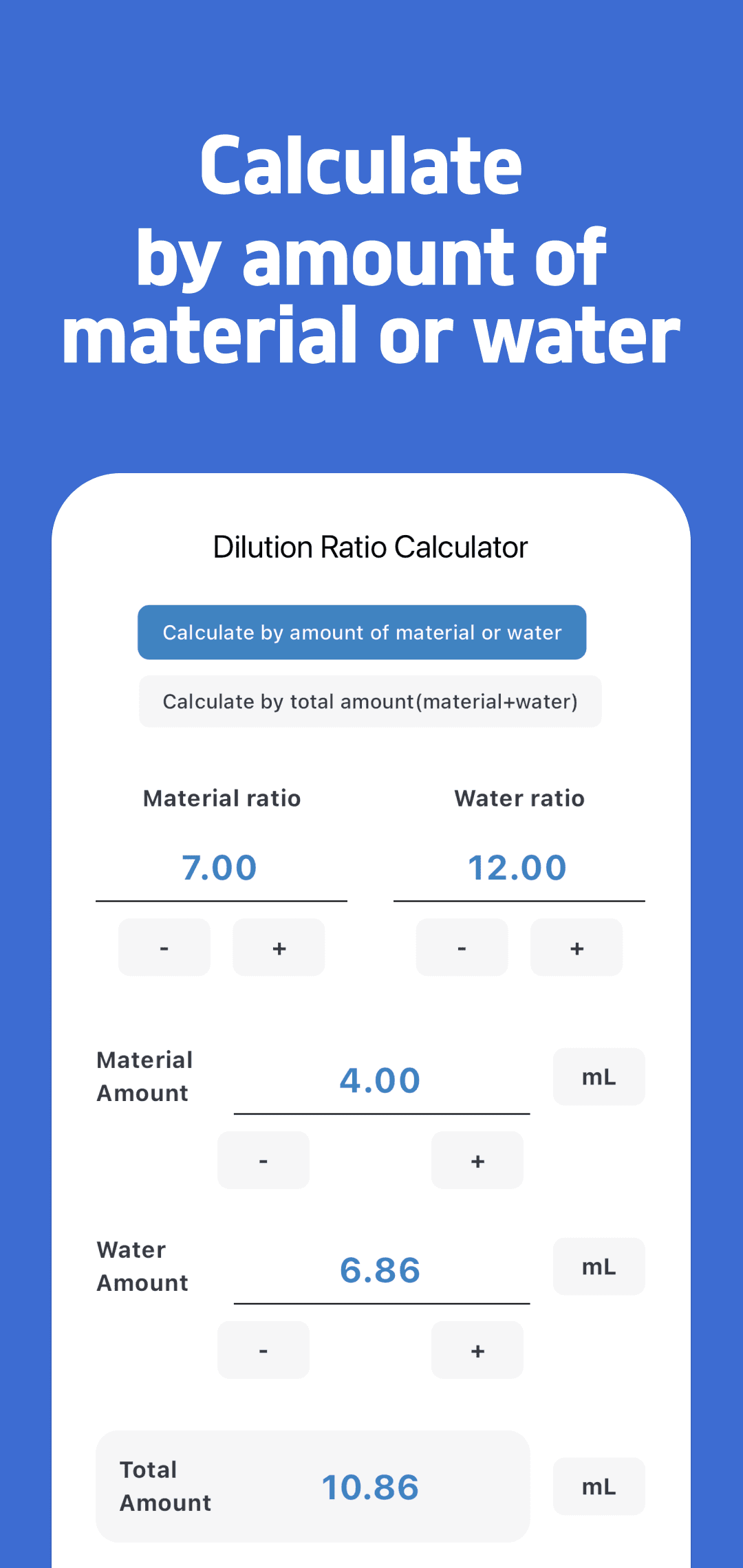
Start with a known concentrate or water amount
Select the concentrate/water mode, enter the ratio, choose the amount unit and enter the amount you already know. The app calculates the other amount and the total.
- Concentrate example:
1 : 50, concentrate 100 mL → water 5,000 mL, total 5,100 mL. - Water example:
1 : 500, water 10 L → concentrate 0.02 L (20 mL), total 10.02 L.
The difference between 10 L of water and 10 L of finished solution matters: adding concentrate to 10 L of water makes a total greater than 10 L.
Start with the total volume you need
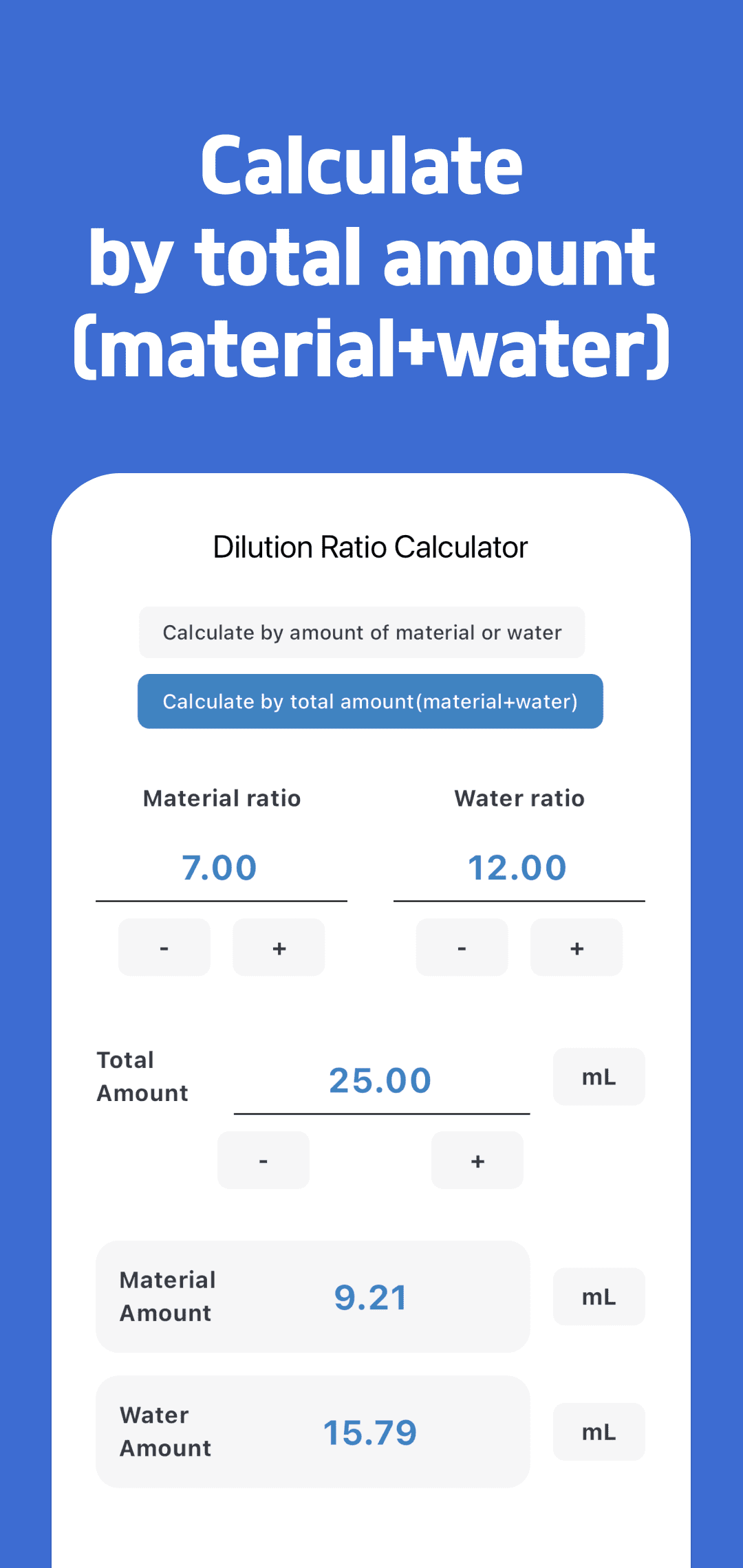
Select total-amount mode and enter the finished volume, which includes both concentrate and water.
At 1 : 50, a 500 mL total is divided into 51 parts:
- Concentrate:
500 ÷ 51≈ 9.80 mL. - Water:
500 × 50 ÷ 51≈ 490.20 mL.
For a general ratio a : b, concentrate is total × a ÷ (a + b) and water is total × b ÷ (a + b). This also lets you use ratios whose first number is not 1.
For amounts at other common ratios, see the 1:10 dilution table, 1:100 dilution table and 1:1000 dilution table. Each table starts from a finished total that includes concentrate; keep it separate from a water-only input.
Units, rounding and favorites
Use mL or L for metric volumes, and US fluid ounces or US gallons for US volumes. The US units are not Imperial units. Recent versions let you change the concentrate and water units separately, so check the unit next to each amount when comparing results.
Fractional amounts are displayed to two decimal places. For example, at 1 : 2000 with a 2,000 mL total, the underlying amounts are approximately 0.9995 mL concentrate and 1,999.0005 mL water. A display of 1.00 mL and 1,999.00 mL is rounded, rather than an exact equality before rounding.
Save a frequently used calculation as a favorite with a name or note. Open it from the favorites list when you need the same values again. Favorites are stored on the device; this is separate from any advertising or analytics described in the privacy policy.
Before using a product ratio
The numerical examples here explain the calculator, rather than recommend a concentration for a particular chemical. Follow the product label for dilution and intended use. EPA guidance explains the role of pesticide labels. For household bleach, follow its label and do not mix it with other cleaners or disinfectants. CDC bleach guidance
Common questions
Does the app find the right ratio for a product?
No. You enter both ratio values yourself. Check the product instructions first, then use the calculator to find the amounts.
Why is the concentrate different when I switch modes?
In concentrate/water mode, the water amount excludes concentrate. In total-amount mode, the finished volume includes it. Make sure you are entering the quantity that you actually know.
How do I get help or learn more?
Use the support page for app questions. The related dilution guide below explains further examples. Current release details and device availability are shown in the store links above.